What AI face analysis does
AI face analysis looks at a clear, front-facing photo of you and describes your on-camera visual direction. It takes only a few seconds and runs in stages you can follow on screen: detecting the face, mapping facial landmarks, measuring proportions, comparing the eight visual archetypes and writing your report.
What you receive
- Your visual archetype. One of eight broad styling directions - for example Crystal Cool, Sunlit Soft, Velvet Chic or Fresh Spark - plus the closest alternatives, because most people fit more than one.
- Your strengths. Things that come across well on camera, such as clear, bright eyes, a bright expression or strong camera presence.
- Concepts and styling tips. Concepts that tend to suit your look (girl crush, fresh, elegant, hip-hop and more) and practical styling ideas you can try in your next photo or video.
- A confidence value that shows how certain the analysis is for this particular photo.
How agencies use it
Agencies often plan a group or a concept with a certain look in mind. Visual analysis and similar visual-type lists help casting staff find profiles that fit that direction - so a clear photo and an up-to-date profile make it easier for the right agency to notice you.
What it does NOT do
- It is not a beauty score. The AI does not rate how attractive you are, and there is no ranking of faces.
- It does not make decisions. No one passes or fails because of an AI result. People make every casting decision.
- It does not compare you to real people. Archetypes describe styling direction and mood, never resemblance to a celebrity or any other person.
- It does not judge talent. Your vocals, dance, rap and stage presence are shown in your videos, not in a photo.
Think of the result as a starting point for conversations about styling and concept, not a label.
How to take a good photo for analysis
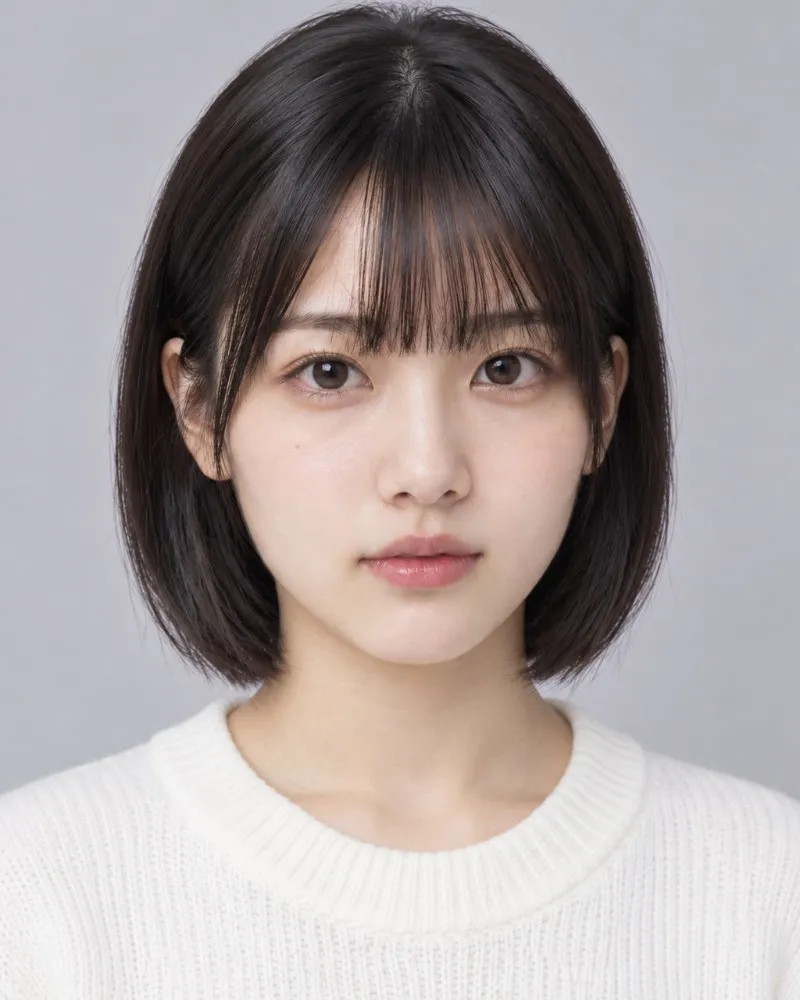
The quality of the photo has a big influence on the result. For the most reliable analysis:
- Face the camera directly, with your head level and your eyes looking into the lens.
- Use soft, even light from the front - a daytime window works well. Avoid strong shadows and backlight.
- Keep the camera at eye level, about an arm's length away.
- Show your whole face. Move hair away from your eyes and forehead, and remove masks, caps and sunglasses.
- Skip filters and beauty mode. Retouched photos lower the reliability of the analysis.
- Choose a plain background and make sure you are the only person in the photo.
- Use a recent photo that looks like you today.
Privacy and your photos
- Your photos are used only for the analysis and your PIVOT410 profile.
- You stay in control. You can delete individual photos in Photos & videos, and delete your profile, AI analysis results, photos and videos together in Settings.
- Analysis is processed on servers in Korea.
- Full details are in our Privacy Policy.
Confidence and limitations
AI analysis is useful, but it has limits, and we want you to know them:
- Photo conditions matter. Dark, blurry, angled or partly covered photos lower the confidence value. If confidence is low, try again with a better photo.
- Light, lens and make-up change how a face reads. Two different photos can lead to slightly different results - that is normal.
- Archetypes are broad. They are simplified categories to help with styling and search, and you are more than any one category.
- People stay in the loop. Results are a reference for you and for casting staff; they never replace a human view of your performance.
Quick checklist
- Front-facing, eyes to the lens, head level
- Soft light from the front, no backlight
- Whole face visible - no mask, cap or sunglasses
- No filters or beauty mode
- Plain background, only me in the photo
- A recent photo
Curious about your visual direction? Learn more about AI face analysis or run your analysis from My page.